What you’ll learn
- ChatGPT-assisted documents and routine reports
- Excel formulas and AI-supported analysis
- Presentation content and collaborative Google Sheets work.
What does the learning look like?
- Examples include reports, budgets, dashboards and slide creation, with collaborative Google Sheets.
Make sense of a spreadsheet
- 01Start with
A small table of expenses
- 02Make a first pass
Clean data + a useful formula
- 03Make it yours
Check row counts and totals
Use a fictional example to practise the workflow.
Cost, access and setup
Course cost
- Check the course page for current pricing and software requirements.
Check whether tax is included.
What you’ll need
- Includes basic access/readiness requirements
How you’ll learn
- 10h 53m of video
- Recorded online lessons listed.
How this compares
Choose this course if reports, budgets and dashboards are the Office tasks you want to work on. The shorter counterpart also brings in Gemini and focuses on data cleaning, summaries and slide visuals.
You might also want to look at MS Office with AI - Word Excel PowerPoint ChatGpt Gemini.
Keep exploring
Build your Office skills with a little AI
Some courses teach everyday Word, Excel, PowerPoint, Outlook or collaboration skills as well as AI. That can help if app basics are your bottleneck, but total…
Find your starting point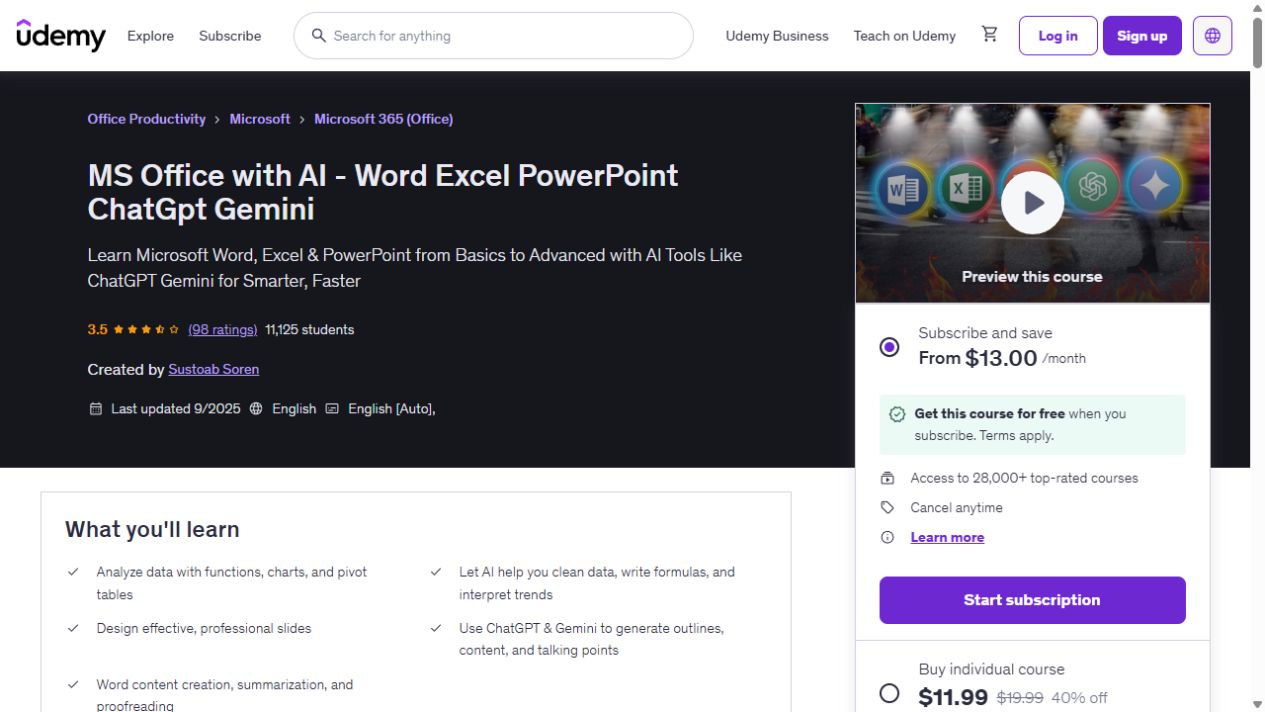
MS Office with AI - Word Excel PowerPoint ChatGpt Gemini
Build your Word, Excel and PowerPoint skills, with examples that bring in ChatGPT and Gemini for data cleaning, document summaries and presentation work. The course has 9h 14m of video. AI…
Professional MS Office With AI - ChatGpt, Gemini Copilot
Use AI to draft office documents and reports, then clean and analyze Excel data, build pivots and create dashboards.
AI-Powered Microsoft Office: Word, PowerPoint, Excel with AI
Build Word, PowerPoint and Excel foundations, then use AI for writing, research and content revision.