Find your starting point
ChatGPT (Free) for Everyday Work uses fictional workplace labs and allows some free-account practice. That does not mean the course itself is free or every feature is available. Microsoft Copilot with Outlook: 1 Hour Crash Course! can be watched without a licence, but following along requires Microsoft 365 with business or enterprise Copilot. Claude 101 starts with any Claude account, while Cowork, some Artifacts and enterprise search need other access.
Microsoft's Power Automate course has the most detailed setup list: Power Automate, Dataverse, a supported region, a database and table, plus an eligible Power Apps, Power Automate or Copilot Studio licence for AI Builder. Claude for Project Management: Cowork, Excel & Reporting also needs Cowork access.
Start with your personal or work account, app, feature tier, connectors and usage limits. If the course page leaves a requirement open, ask before paying or bringing work data.
Put AI to work on a familiar task
- 01Start with
A sample document or office task
- 02Make a first pass
A useful first draft
- 03Make it yours
Check the result before sharing
Use a fictional example to practise the workflow.
Compare the courses
| Course | What you’ll do | Time | Cost and access |
|---|---|---|---|
| ChatGPT (Free) for Everyday Work: Emails, Meetings & ReportsCollins Gidisu |
|
|
|
| Microsoft Copilot with Outlook: 1 Hour Crash Course!Amandeep Sawhney | HawkEye Data |
|
|
|
| Claude 101Anthropic / Claude Academy |
|
|
|
| Automate and extend your solutions with AI in Microsoft Power AutomateMicrosoft |
|
|
|
| Claude for Project Management: Cowork, Excel & ReportingDr. Amar Massoud |
|
|
|
Take a closer look
ChatGPT (Free) for Everyday Work: Emails, Meetings & Reports
Use ChatGPT prompts for workplace emails, meeting summaries and action items, then turn rough notes into reports.
Microsoft Copilot with Outlook: 1 Hour Crash Course!
Use Copilot with Outlook messages to draft emails, change tone, summarize threads and create meetings.
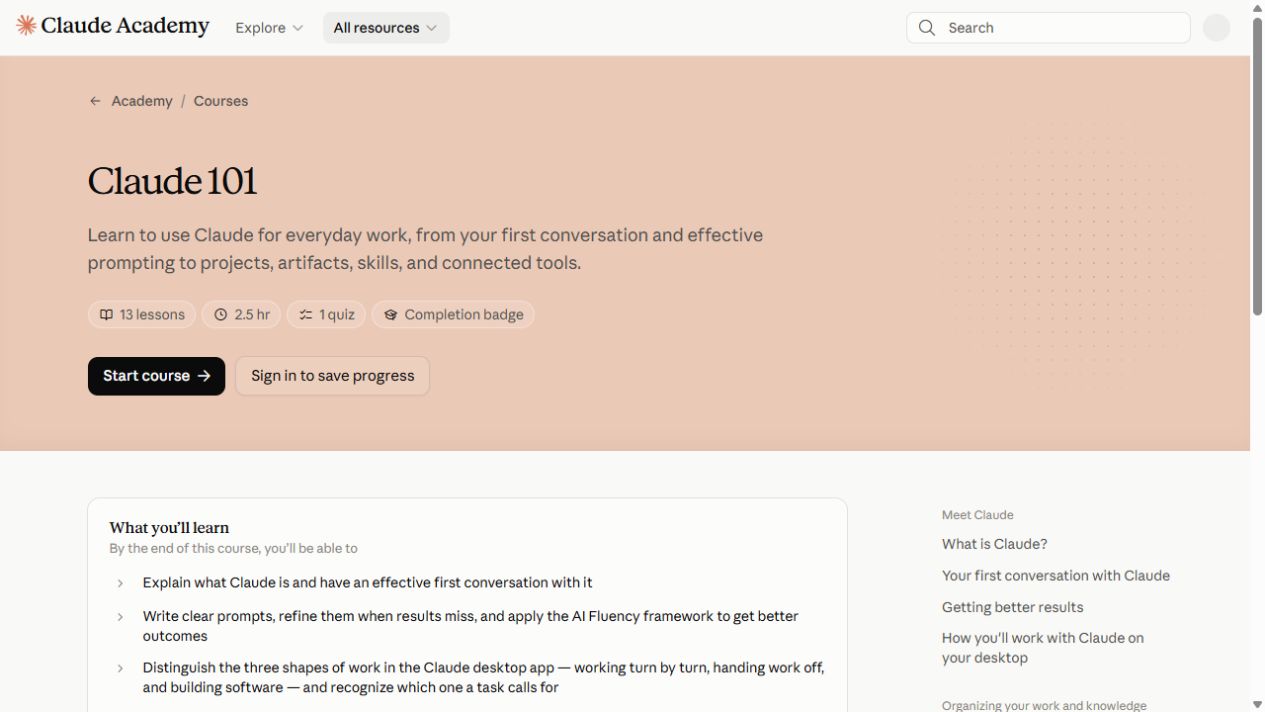
Claude 101
Start with your first Claude conversation, then explore projects, artifacts, skills and connected tools.
Automate and extend your solutions with AI in Microsoft Power Automate
Build cloud flows with Dataverse actions, approvals and grounded AI Builder prompts.
Claude for Project Management: Cowork, Excel & Reporting
Use Claude and Cowork to build source-grounded status packs and reports, with status, risk, issue, action and decision logs.
Try this before you choose
List the account, app, feature, connector, approval and usage allowance your task needs. Compare that list with each course exercise, test a nonsensitive example and resolve any access gaps.
You might also find these helpful
AI courses for writing better emails
A course on AI email can teach a better draft, a useful thread summary or a way to move details into another app. Those are different jobs. Choose the course…
Find your starting pointFree AI courses for office work
Free lessons, a free account and the ability to run every exercise are three different things. Copilot, Cowork, Dataverse, automation services and organization…
Find your starting pointUse AI for recurring reports
For a weekly or monthly report, a good method needs to work again when the data changes. Look for source refresh, stable definitions, totals, exceptions,…
Find your starting point