What you’ll learn
- Six modules move from GenAI/tool selection and prompt writing to communications, information analysis/summaries and meeting productivity
- Then hands-on tasks with Word-style documents, presentations/images/presenter notes and spreadsheets across Microsoft 365 desktop apps, Google Docs/Slides/Sheets and LibreOffice examples.
- Microsoft Copilot, ChatGPT, Google Gemini and Claude, and explicitly says learners may use the AI tools available to them
- It does not require one particular assistant.
What does the learning look like?
- The course says to perform guided step-by-step hands-on activities on the learner's own computer.
- Each of the first five modules lists multiple readings/guidelines/activities
- The final module lists one course assessment.
- Activities span everyday communication, summarizing information, meeting productivity, revising text, generating document/presentation images, presenter notes and spreadsheet problem-solving.
Example to try
Turn numbers into a useful update
- 01Start with
A sample set of figures
- 02Make a first pass
Patterns + a clear explanation
- 03Make it yours
Check the numbers behind each claim
Use a fictional example to practise the workflow.
Cost, access and setup
Course cost
- Listing explicitly distinguishes free standalone AI assistants from paid Microsoft 365 Copilot
What you’ll need
- Designed around Microsoft 365 desktop productivity apps but does not require a specific AI product
- Page says workflows transfer across productivity suites, though procedures vary.
- Named options are ChatGPT/Gemini (free standalone examples) or paid Microsoft 365 Copilot.
How you’ll learn
- The six rounded module study estimates total about 8h21 (2h, 1h, 2h, 1h, 2h, 21m).
- The page's item-level times for readings and activities total about 9h14
- Preserve those different displayed measures rather than treating them as a proven contradiction.
- Self-paced Coursera course for desktop productivity use.
- Page says use any AI assistant available, including free standalone ChatGPT/Gemini or Microsoft 365 Copilot, which it describes as having an associated cost.
- Workbooks/course data files and setup are listed
Certificate
- Shareable Coursera course certificate listed
- Not a Microsoft/Google/Anthropic certification or independently recognized credential.
Help along the way
- One final course assessment is listed
- Multiple in-module computer activities are also described.
Instructor
- Bill Rosenthal is named as instructor
- Logical Operations is the listed publisher/provider.
- Page reports 159 courses and 57,711 learners for the provider profile
- Platform claims only.
Keep exploring
Office workflowsPackt
AI-Enhanced Scrum Master – Smarter Agile Automation
Use generative AI with Agile to create backlogs, user stories, definitions of ready and done, and acceptance tests in Jira.
Explore courseAvailable
Office workflowsDavid Bernstein, James Bernstein
Master Microsoft Copilot AI to Increase Windows Productivity
Use Copilot in Windows and Edge, with prompts for documents and Office tasks. The course also introduces Copilot Studio.
Explore courseAvailable
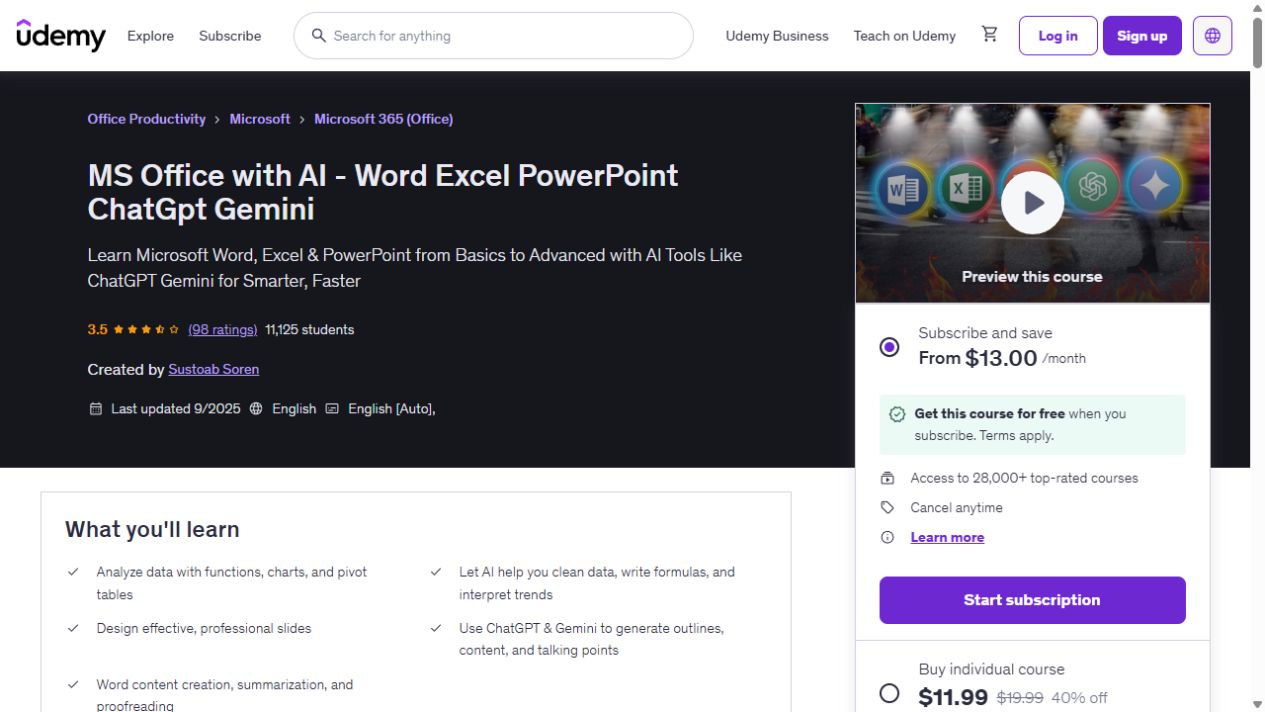
Office essentialsSustoab Soren
MS Office with AI - Word Excel PowerPoint ChatGpt Gemini
Build your Word, Excel and PowerPoint skills, with examples that bring in ChatGPT and Gemini for data cleaning, document summaries and presentation work. The course has 9h 14m of video. AI…
Explore courseAvailable