What you’ll learn
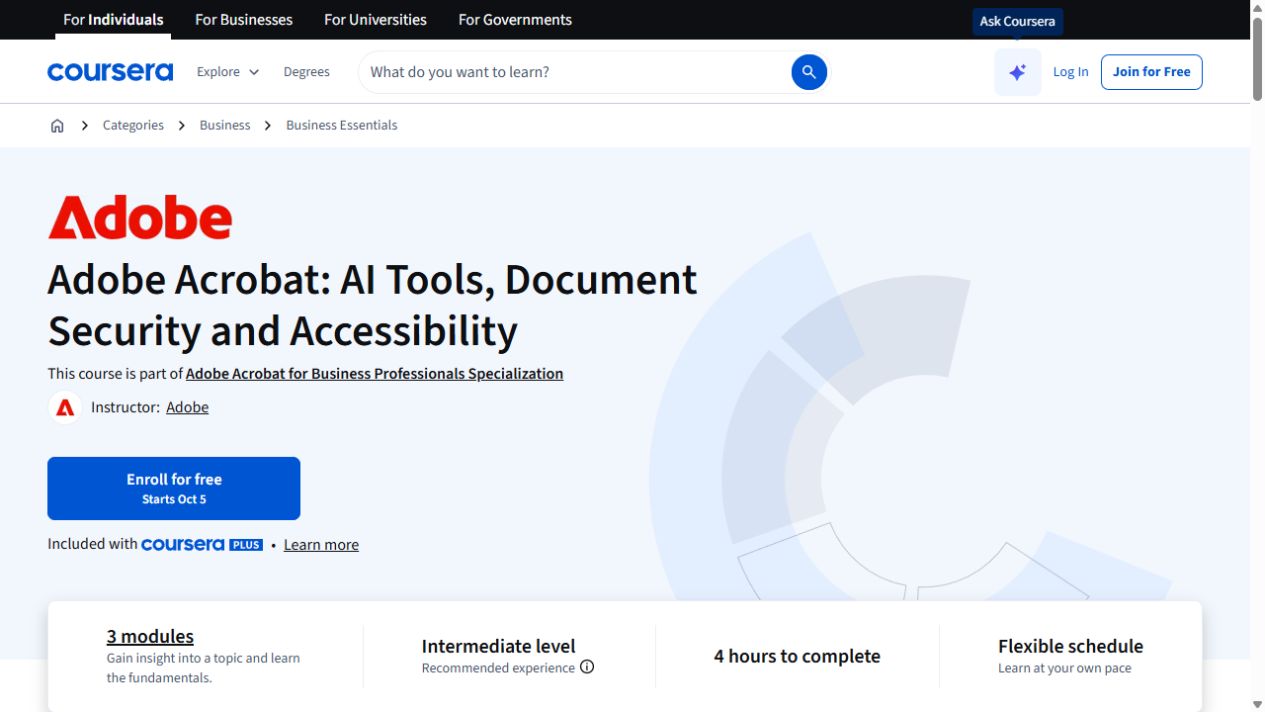
- AI synthesis of PDF content
- Sensitive-data removal and document controls
- Accessible professional PDFs
What does the learning look like?
- PDF analysis, redaction and accessibility are covered
- One assignment is listed.
Example to try
A better first draft
- 01Start with
A brief or an existing document
- 02Make a first pass
A draft, summary or revision
- 03Make it yours
Check the facts and tone
Use a fictional example to practise the workflow.
Cost, access and setup
Course cost
- Check the course page for certificate pricing, free trials and options to study without a certificate.
- Listed as included in Coursera Plus. Check your subscription for access.
How you’ll learn
- 4 hours to complete
- Self-paced with flexible scheduling listed.
Certificate
- Course-completion certificate listed
Instructor
- Adobe
Keep exploring
Work with PDFs safely and accessibly
PDF work can mean summarizing a file, drafting an editable version, removing sensitive details or making the final document accessible. Those jobs call for…
Find your starting pointOffice workflowsSawan Kumar
AI Research, Files & Productivity with ChatGPT and Claude
Use ChatGPT and Claude to analyze files, research topics and check outputs, then organize work with memory, projects and cloud-drive connections.
Explore courseAvailable
Office workflowsLinkedIn Learning
Copilot in Word: Create and Refine Documents with AI
Use Copilot in Word to draft from sources, revise tone, add tables and summarize documents.
Explore courseAvailable
Office workflowsMicrosoft
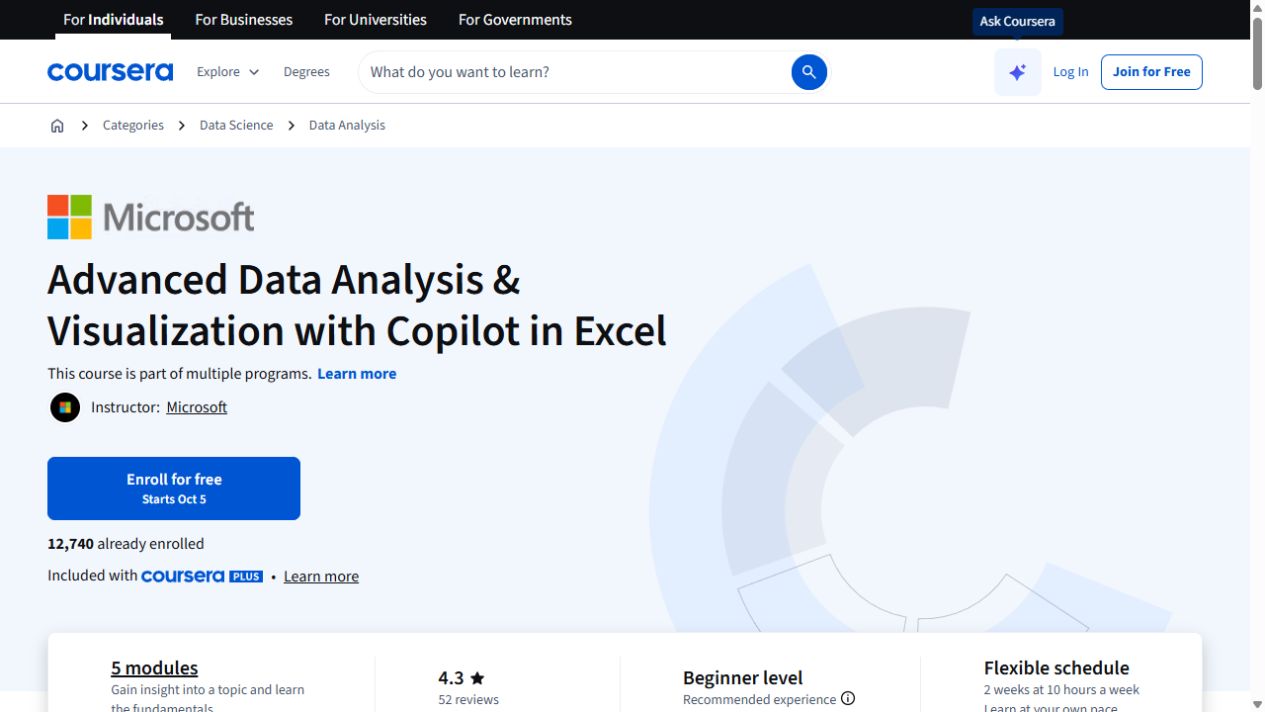
Advanced Data Analysis & Visualization with Copilot in Excel
Go further with Copilot in Excel: work with external data, explore statistics and build pivot visualizations.
Explore courseAvailable