What you’ll learn
- Copilot foundations
- Workplace chat
- Prompt design
- Content creation
- Search and Windows use
What does the learning look like?
- 17 assignments include short applied activities.
Example to try
A better first draft
- 01Start with
A brief or an existing document
- 02Make a first pass
A draft, summary or revision
- 03Make it yours
Check the facts and tone
Use a fictional example to practise the workflow.
Cost, access and setup
Course cost
- Check the course page for certificate pricing, free trials and options to study without a certificate.
- Listed as included in Coursera Plus. Check your subscription for access.
How you’ll learn
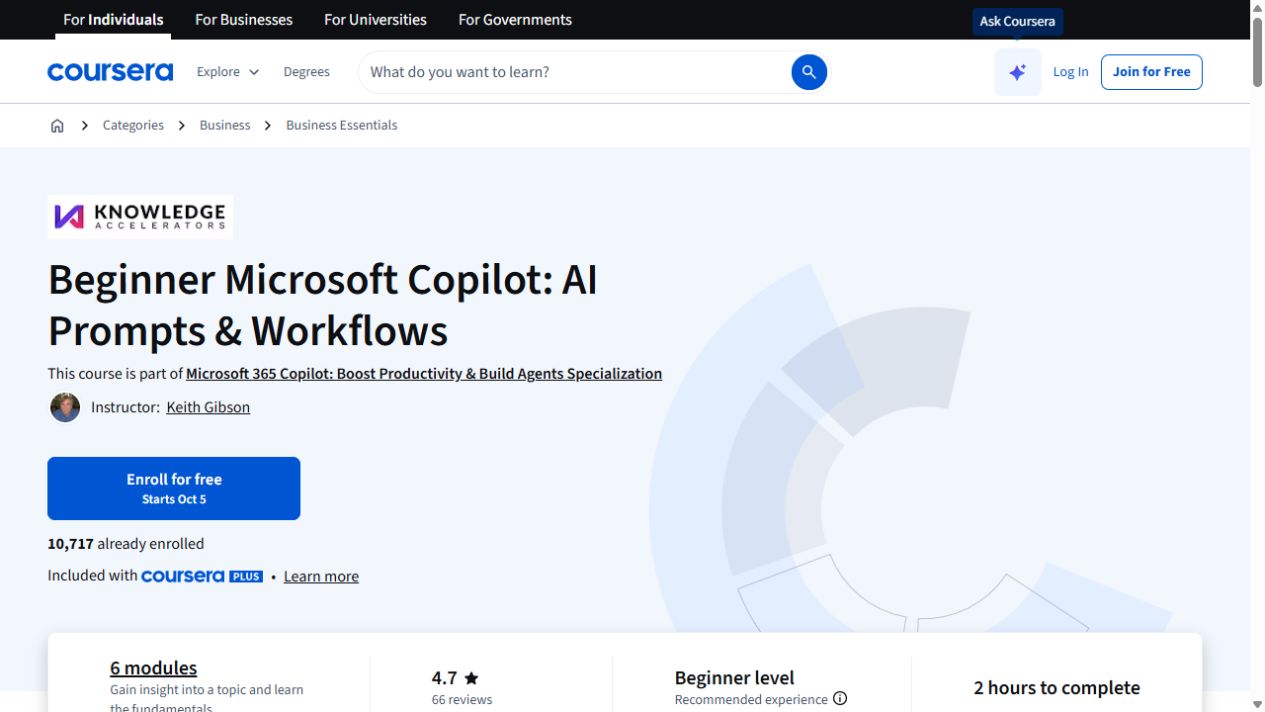
- 2 hours to complete
- Self-paced with flexible scheduling listed.
Certificate
- Course-completion certificate listed
Instructor
- Keith Gibson