What you’ll learn
- Five modules cover Forms feedback, business communication, office tasks, OneDrive files and SharePoint content
- Stated tasks include creating/refining Word documents, proposals and FAQs
- Outlook email
- PowerPoint slides
- Excel budget analysis
- Comparing OneDrive files
- And creating forms/site pages
What does the learning look like?
- Includes real-world office scenarios and lists 21 assignments.
- Visible module example creates/refines Microsoft Forms surveys
Example to try
Connect a repeated task
- 01Start with
A message, form or new file
- 02Make a first pass
A useful record in the next app
- 03Make it yours
Review the result before saving or sending
Use a fictional example to practise the workflow.
Cost, access and setup
Course cost
- Coursera course pricing can vary by region/account.
What you’ll need
- Check that your Microsoft 365 account includes the Copilot features used in the hands-on projects.
How you’ll learn
- Top-level estimate about 3 hours
- Five module estimates add to about 4h40 (17m, three modules about 1h each, and 23m).
- Self-paced course component of the Microsoft 365 Copilot: Boost Productivity & Build Agents specialization.
Certificate
- Shareable Coursera certificate listed
Help along the way
- Twenty-one assignments listed
Instructor
- By Knowledge Accelerators
Keep exploring
One focused course or a learning bundle?
A bundle may cover several apps and help you build skills in order, while a focused course may be enough for the task you need next. Compare the actual lessons…
Find your starting pointOffice workflowsMicrosoft
Draft, analyze, and present with Microsoft Copilot
Learn how Copilot Chat uses organizational data, then create Word documents and PowerPoint presentations.
Explore courseAvailable
Office workflowsVanderbilt University
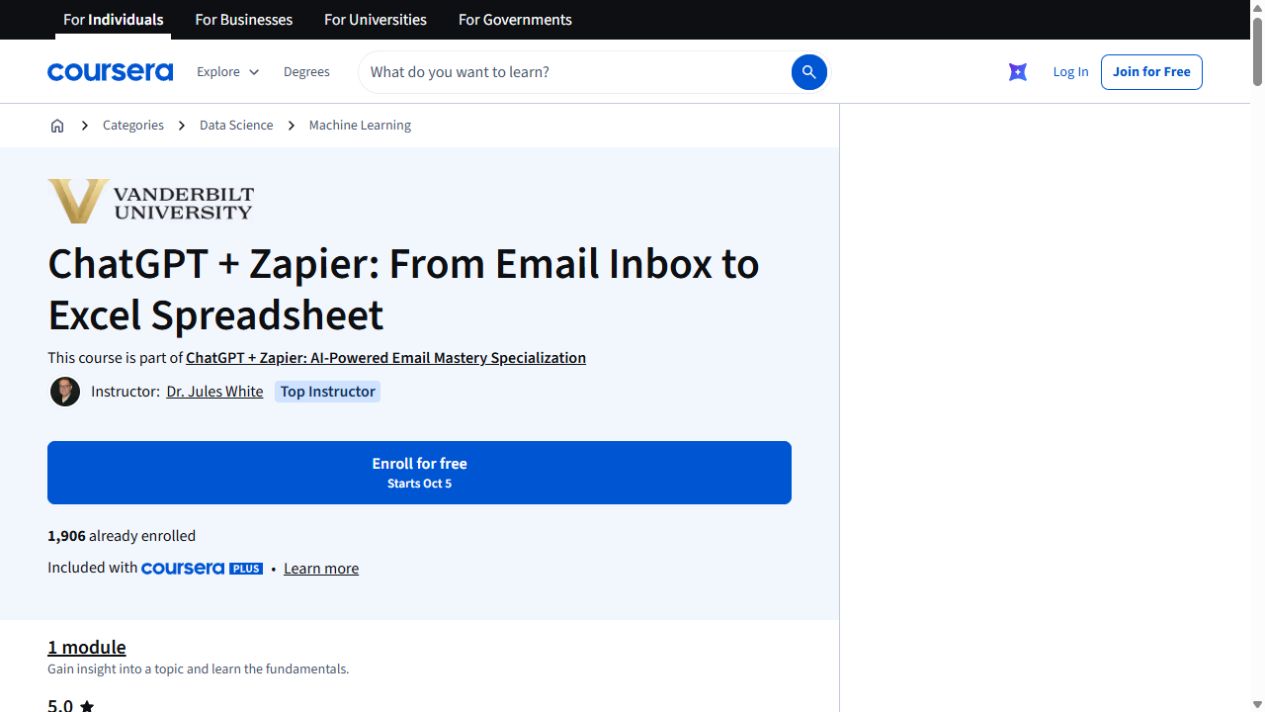
ChatGPT + Zapier: From Email Inbox to Excel Spreadsheet
Turn details from incoming emails into a spreadsheet with ChatGPT and Zapier. The exercise uses Google Sheets and includes a JavaScript-processing step.
Explore courseAvailable
Office workflowsKnowledge Accelerators
Microsoft 365 Copilot: Boost Productivity & Build Agents
Follow five courses from Copilot prompts and office workflows to app-specific tasks, automation, collaboration and agent building.
Explore courseAvailable