What you’ll learn
- Five modules: data preparation/error identification
- Missing values/duplicates
- Data-type conversion/standardization
- Text manipulation/column operations
- Prompt design for repeatable analysis workflows
- Course outcomes include spotting bad data, resolving errors, transforming data and making spreadsheets analysis-ready
What does the learning look like?
- Twenty AI-graded assignments are listed.
- Page includes hands-on activities/debriefs for error correction, data error identification, Copilot activation, transformation and data preparation
Example to try
Make sense of a spreadsheet
- 01Start with
A small table of expenses
- 02Make a first pass
Clean data + a useful formula
- 03Make it yours
Check row counts and totals
Use a fictional example to practise the workflow.
Cost, access and setup
Course cost
- Copilot software license is separate and required according to page.
What you’ll need
- Microsoft Excel and Copilot in Excel.
- Course materials state Copilot license required
- Page links a free 30-day trial for people without Microsoft 365 Personal or Family.
How you’ll learn
- The five module estimates are 5+3+3+3+4 hours (18 hours).
- Videos/readings/assignments are components of module study estimates, not video runtime.
- Self-paced Coursera course, offered within multiple programs
- Enrollment asks learner to select a program.
Certificate
- Shareable Coursera course certificate listed
Help along the way
- Twenty assessments with AI-grading label
Instructor
- Microsoft is the listed publisher
- Individual instructor not identified in text.
Keep exploring
Get spreadsheet data ready for AI
Before using AI to analyze a spreadsheet, check whether the data is complete and consistent. Cleaning is different from interpreting results. Preserve the…
Find your starting pointOffice workflowsSawan Kumar
Microsoft Excel Masterclass With ChatGPT, Copilot & AI
In this masterclass, explore Excel foundations and spreadsheet data management and AI-assisted formulas, cleaning and workbook auditing.
Explore courseAvailable
Office workflowsMicrosoft
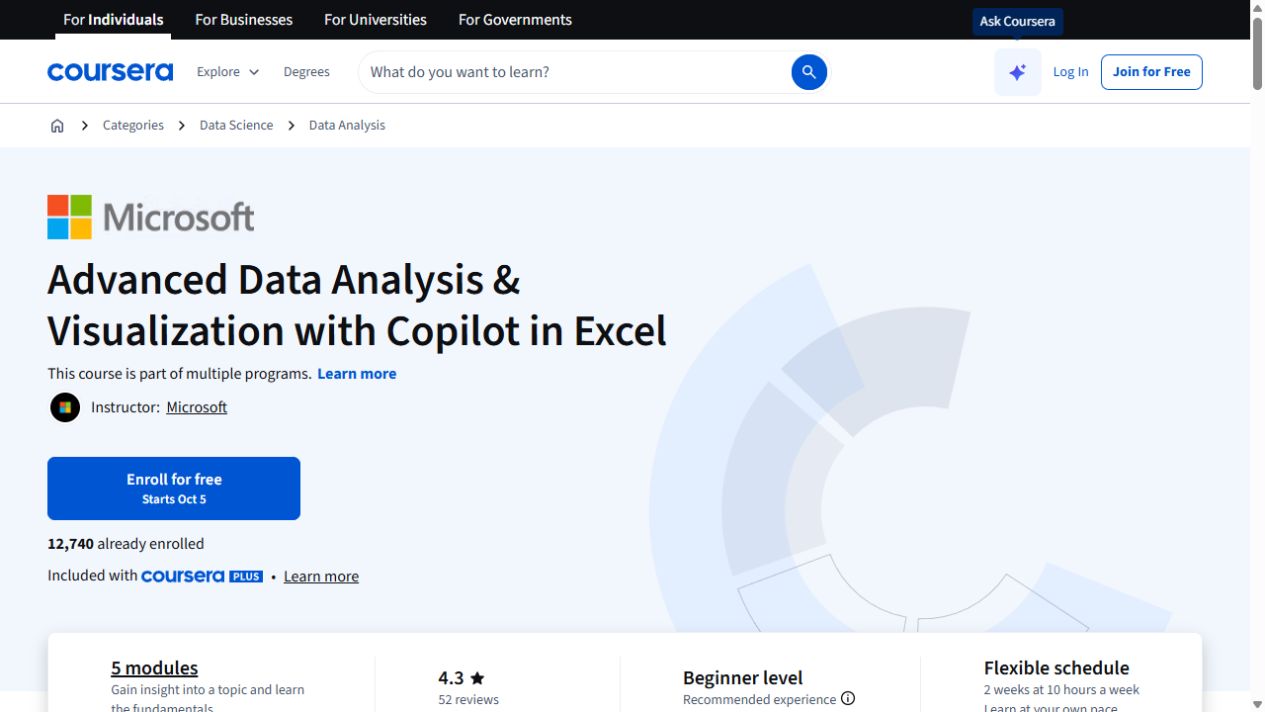
Advanced Data Analysis & Visualization with Copilot in Excel
Go further with Copilot in Excel: work with external data, explore statistics and build pivot visualizations.
Explore courseAvailable
Office workflowsMicrosoft
Copilot for Advanced Collaboration in Teams and Outlook
Use Copilot across Outlook and Teams for email, meetings and collaboration, with a final project and assignments.
Explore courseAvailable