Find your starting point
Data Cleaning & Processing with Copilot in Excel is focused on missing values, duplicates, data types, standardization, text operations and repeatable prompts, with 20 AI-graded assignments listed. It requires Copilot in Excel. The course links a 30-day trial for some learners. Microsoft Excel Masterclass With ChatGPT, Copilot & AI is broader, with cleaning, workbook audits, dashboards, models and scripts.
Advanced Data Analysis & Visualization with Copilot in Excel starts after data preparation and covers statistical analysis, external data, pivots, charts and reporting, with 22 assignments listed. ChatGPT + Zapier: From Email Inbox to Excel Spreadsheet also ends in a spreadsheet, but it teaches email extraction into Google Sheets rather than cleaning an existing workbook.
Keep the source data and a change log. Check totals, missing values, duplicate decisions and date or text types yourself. Confirm whether the course needs Excel, Copilot or Zapier access.
Make sense of a spreadsheet
- 01Start with
A small table of expenses
- 02Make a first pass
Clean data + a useful formula
- 03Make it yours
Check row counts and totals
Use a fictional example to practise the workflow.
Compare the courses
| Course | What you’ll do | Time | Cost and access |
|---|---|---|---|
| Data Cleaning & Processing with Copilot in ExcelMicrosoft |
|
|
|
| Microsoft Excel Masterclass With ChatGPT, Copilot & AISawan Kumar |
|
|
|
| Advanced Data Analysis & Visualization with Copilot in ExcelMicrosoft |
|
|
|
Take a closer look
Data Cleaning & Processing with Copilot in Excel
Use Copilot to find spreadsheet errors, handle missing values and duplicates, standardize data and design repeatable prompts.
Microsoft Excel Masterclass With ChatGPT, Copilot & AI
In this masterclass, explore Excel foundations and spreadsheet data management and AI-assisted formulas, cleaning and workbook auditing.
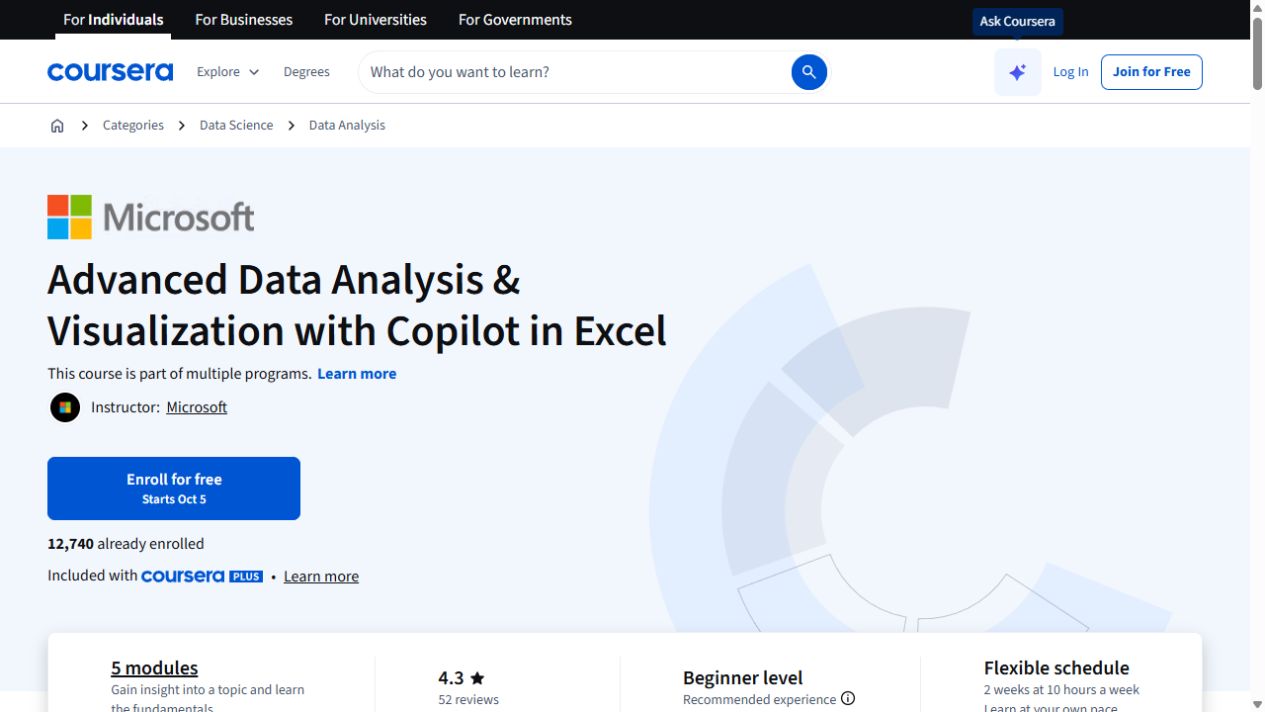
Advanced Data Analysis & Visualization with Copilot in Excel
Go further with Copilot in Excel: work with external data, explore statistics and build pivot visualizations.
Try this before you choose
Make a small nonsensitive sheet with a duplicate, a missing value, a text-number mismatch and an inconsistent date. Compare how each method handles them, then check row counts and totals before moving on to analysis.
You might also find these helpful
Getting started with AI in Excel
If Excel still feels shaky, build those basics before relying on AI for formulas, cleanup or charts. A learner needs to inspect the result and know when a…
Find your starting pointCompare Copilot courses for Excel
This guide is for people who want to use Copilot inside Excel. Check which spreadsheet jobs the course covers and whether your Microsoft account can run them.…
Find your starting pointAI courses with a project to work on
A named project can be a follow-along example, a saved file, an assignment or a graded submission. Check exactly what the course asks you to make and whether…
Find your starting point