What you’ll learn
- Ten modules span first-use and structured prompts
- Email drafting/re-toning
- Meeting action tables
- One-page project updates
- Social-post adaptation and image refinement
- Spreadsheet cleanup and totals
- Checked-source research briefs
- And reusable Gems.
- The course narrative explicitly includes pre-send checks, privacy/usage-rights review, formula verification and fact-checking
- Named apps include Gmail, Google Docs and Sheets.
What does the learning look like?
- Ten assignments and module labs are listed.
- Concrete described practice produces a saved first Gemini conversation, structured prompts, cleaned sales data, a meeting owner/task/deadline table, a one-page update, researched brief with checked sources and a tested custom Gem.
Example to try
Turn numbers into a useful update
- 01Start with
A sample set of figures
- 02Make a first pass
Patterns + a clear explanation
- 03Make it yours
Check the numbers behind each claim
Use a fictional example to practise the workflow.
Cost, access and setup
Course cost
- A free Google account refers to the software access described, not necessarily course certification.
What you’ll need
- No technical or prior AI experience is required.
- A free Google account covers the basic sequence.
- Access to Workspace-linked features can depend on your account and region.
How you’ll learn
- Ten module estimates of one hour each sum to about 10 hours
- Self-paced beginner Coursera course, recently updated September 2026.
- Explicitly taught in English.
- A free Google account is enough and no paid plan is required for the described basic sequence
- Feature availability for Workspace-specific side panels may vary.
Certificate
- Shareable Coursera completion certificate listed
Help along the way
- Ten assignments plus ungraded labs, readings and short demonstration videos are listed.
Instructor
- Antón Voroniuk is identified as instructor in the saved page
- SkillsBooster Academy is listed as provider.
Keep exploring
Learn Gemini for Google Workspace
If your work happens in Gmail, Docs, Sheets, Slides, Calendar or Meet, compare courses that practise Gemini inside Workspace with courses that teach general…
Find your starting pointOffice workflowsKnowledge Accelerators
Google Workspace with Gemini AI: Gmail, Docs, Sheets, Slides
Use Gemini across Gmail, Docs, Sheets and Slides, with 20 assignments across six modules.
Explore courseAvailable
For assistantsThe EA Campus
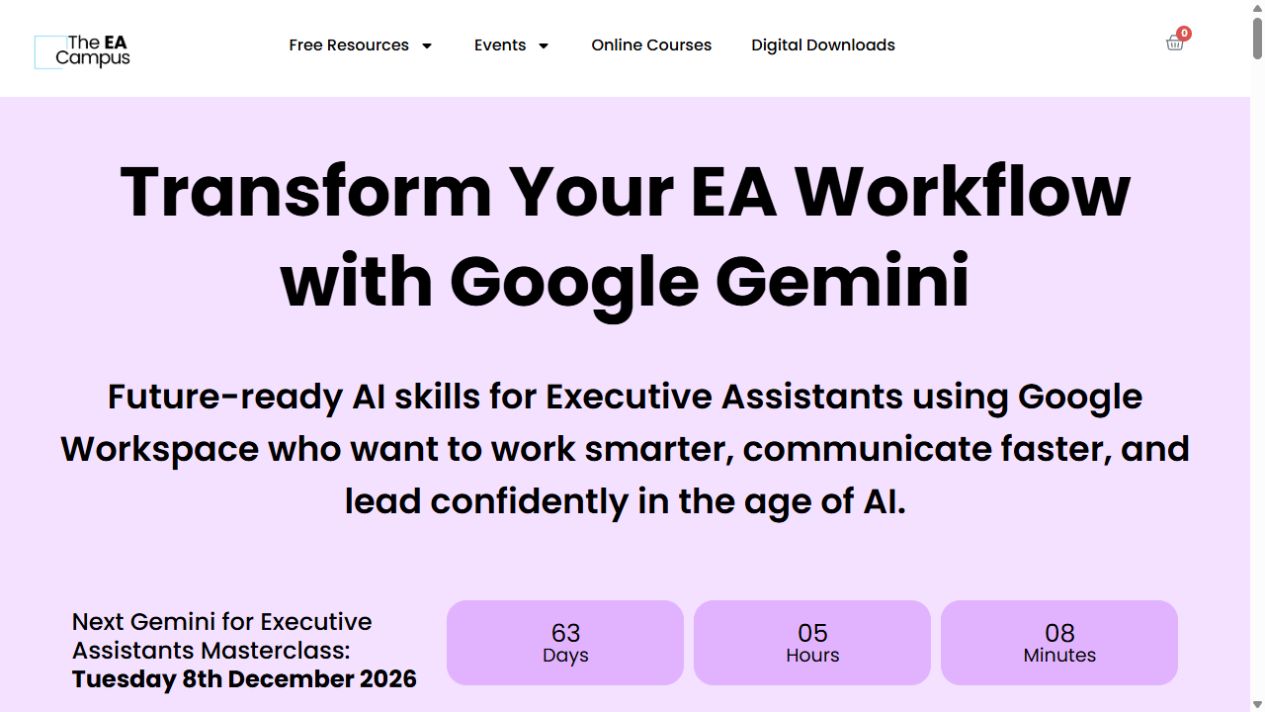
Gemini for Executive Assistants Masterclass
A short, live tour of Gemini for executive-assistant work, from Gmail and Docs to Sheets, Slides and Meet.
Explore courseLive session
For assistantsThe EA Campus
Gemini Studio and Gems Masterclass
Learn how Gemini Gems and simple Workspace workflows can help with a task you keep coming back to.
Explore courseLive session