Find your starting point
Boost Productivity with Gemini & Copilot in Google Workspace covers Gmail templates, spreadsheet analysis, data safeguards and responsible external communication, with six assignments. Google Workspace with Gemini AI: Gmail, Docs, Sheets, Slides has 20 assignments across six modules and requires paid Google Workspace with Gemini access. Introduction to Gemini for Beginners covers email, Docs, Sheets, meeting action tables, source-checked briefs and reusable Gems. Its basic sequence uses a free Google account, while Workspace features can vary.
Gemini in Google Workspace Studio is about Studio flows, with two assignments and no previous experience required. Gemini Studio and Gems Masterclass is a live or recorded demonstration of Gems and simple no-code workflows. Gemini for Executive Assistants Masterclass covers Gmail, Docs, Sheets, Slides and Meet in live demonstrations. You'll need a Gemini licence to follow along.
Google Gemini for Project Management adds scheduling, stakeholder messages, risk decisions and an integration capstone. Choose it when you need a project workflow rather than a general app tour. Check whether your account is personal or organizational and which Gemini features the exercise needs.
Make an update from notes, then check the details
Fictional project notes say the venue is confirmed, catering awaits a quote and invitations are drafted but not sent. You need a clear update and a short follow-up email.
Try this prompt
Turn these notes into a three-point project update and a short email asking for the catering quote. Keep drafted invitations separate from sent invitations. Do not add a deadline for the quote.
What a useful answer includes
- The update says the venue is confirmed and invitations are drafted.
- It does not say invitations have been sent.
- The email asks for the quote without inventing a deadline or implying catering is booked.
- You can trace each claim back to the notes and adjust the wording for the recipient.
Before you pick a course
- If most of your work happens in Gmail or Docs, check that the course teaches those applications.
- A general Gemini chat course can cover a different workflow.
- Choose practice that matches the output you need: emails, documents, sheets, slides or meeting follow-ups.
- Check your Workspace account and enabled features before paying.
- Ask how participants practise if their account differs from the instructor’s.
Compare the courses
| Course | What you’ll do | Time | Cost and access |
|---|---|---|---|
| Boost Productivity with Gemini & Copilot in Google WorkspaceCoursera |
|
|
|
| Gemini in Google Workspace StudioGoogle Cloud |
|
|
|
| Google Workspace with Gemini AI: Gmail, Docs, Sheets, SlidesKnowledge Accelerators |
|
|
|
| Google Gemini for Project ManagementSkillsBooster Academy |
|
|
|
| Gemini for Executive Assistants MasterclassThe EA Campus (formerly Practically Perfect PA) |
|
|
|
| Gemini Studio and Gems MasterclassThe EA Campus (formerly Practically Perfect PA) |
|
|
|
| Introduction to Gemini for BeginnersSkillsBooster Academy |
|
|
|
Take a closer look
Boost Productivity with Gemini & Copilot in Google Workspace
Draft Gmail templates and analyze spreadsheets while keeping data safeguards and external communication in view.
Gemini in Google Workspace Studio
Create workplace automations in Google Workspace Studio, from basic flows to more advanced ones.
Google Workspace with Gemini AI: Gmail, Docs, Sheets, Slides
Use Gemini across Gmail, Docs, Sheets and Slides, with 20 assignments across six modules.
Google Gemini for Project Management
Use Gemini to plan projects, schedule work and communicate with stakeholders, then complete an integration capstone.
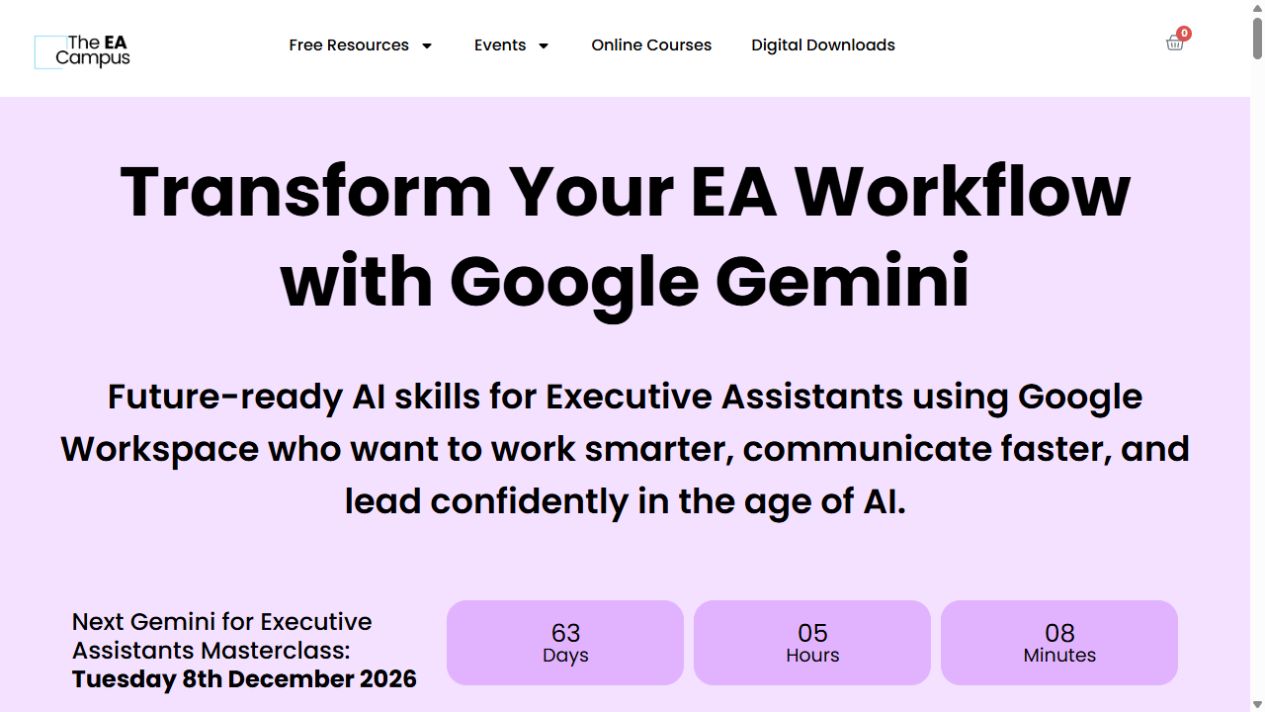
Gemini for Executive Assistants Masterclass
A short, live tour of Gemini for executive-assistant work, from Gmail and Docs to Sheets, Slides and Meet.
Gemini Studio and Gems Masterclass
Learn how Gemini Gems and simple Workspace workflows can help with a task you keep coming back to.
Introduction to Gemini for Beginners
Use Gemini for email, meeting action tables and project updates, then adapt drafts for social posts and refine images.
Try this before you choose
Pick your main Workspace app and a recurring task, such as a checked Gmail reply, a Sheets analysis or a project update. Try a nonsensitive example and note the account and feature tier it needs before choosing a course.
You might also find these helpful
Use AI for project updates and coordination
AI can help with project plans, status updates, risks, decisions and stakeholder messages. Choose between a project-management method, a tool-specific…
Find your starting pointAI training for executive assistants
If you support a leader, a team or clients, start with the work you handle each week: inbox, calendar, meetings, travel, research, documents and confidential…
Find your starting pointAI courses for writing better emails
A course on AI email can teach a better draft, a useful thread summary or a way to move details into another app. Those are different jobs. Choose the course…
Find your starting point