Find your starting point
Make Academy's Automation to AI Agents: Foundation introduces automation and AI, Make AI Toolkit, extraction and a first Make agent. Six courses and an assessment lead to an AI Automation Explorer badge, with six months of course access. That access is separate from Make usage and outside model fees. AI Automation with n8n, Zapier & Make compares triggers, data mapping and a form-to-AI-summary-to-Slack workflow. Its outline shows more Zapier practice than equal depth in all three tools.
Getting Started with Generative AI and Workflow Automation from Edureka is the first part of a four-course ExpertTrack. It moves from AI limits and prompt libraries to Zapier triggers, fields, filters and steps for email, meeting notes and SOPs. ChatGPT & Zapier: Agentic AI for Everyone covers agent basics, GPT setup, Zapier actions, memory and multiple agents.
Before using a live workflow, try test data and a reversible draft. Check for missing fields, duplicates, approvals and connector failures. Confirm platform access, usage limits, model fees and account requirements.
Turn a message into a draft tracker entry
A fictional message says: ‘Jordan will review the brief. Friday might work, but I need to confirm.’ You want to extract a task without turning a proposed date into a promise.
Try this prompt
Create a draft tracker row with task, owner, confirmed deadline and questions. Use only this message. Leave the confirmed deadline empty and put the proposed Friday date in the questions field.
What a useful answer includes
- The task is reviewing the brief and the owner is Jordan.
- There is no confirmed deadline.
- Friday appears as a date to confirm.
- The result remains a draft for review before it becomes a live task.
- Try a second message with a missing owner.
- The workflow should flag the gap rather than silently invent one.
Before you pick a course
- Check whether the course teaches the platform you plan to use, such as Zapier, Make or n8n.
- Similar-looking workflows can require different setup.
- A useful first course explains how to test an input, inspect the output and handle missing information.
- Check for that practice in the outline.
- Compare connector access and usage allowances with the tuition.
- Start with one small workflow you can review before adding more steps.
Compare the courses
| Course | What you’ll do | Time | Cost and access |
|---|---|---|---|
| Automation to AI Agents: FoundationMake Academy |
|
|
|
| AI Automation with n8n, Zapier & Make: Build Smart WorkflowsShahzad Khan |
|
|
|
| Getting Started with Generative AI and Workflow AutomationEdureka |
|
|
|
| ChatGPT & Zapier: Agentic AI for EveryoneVanderbilt University |
|
|
|
Take a closer look
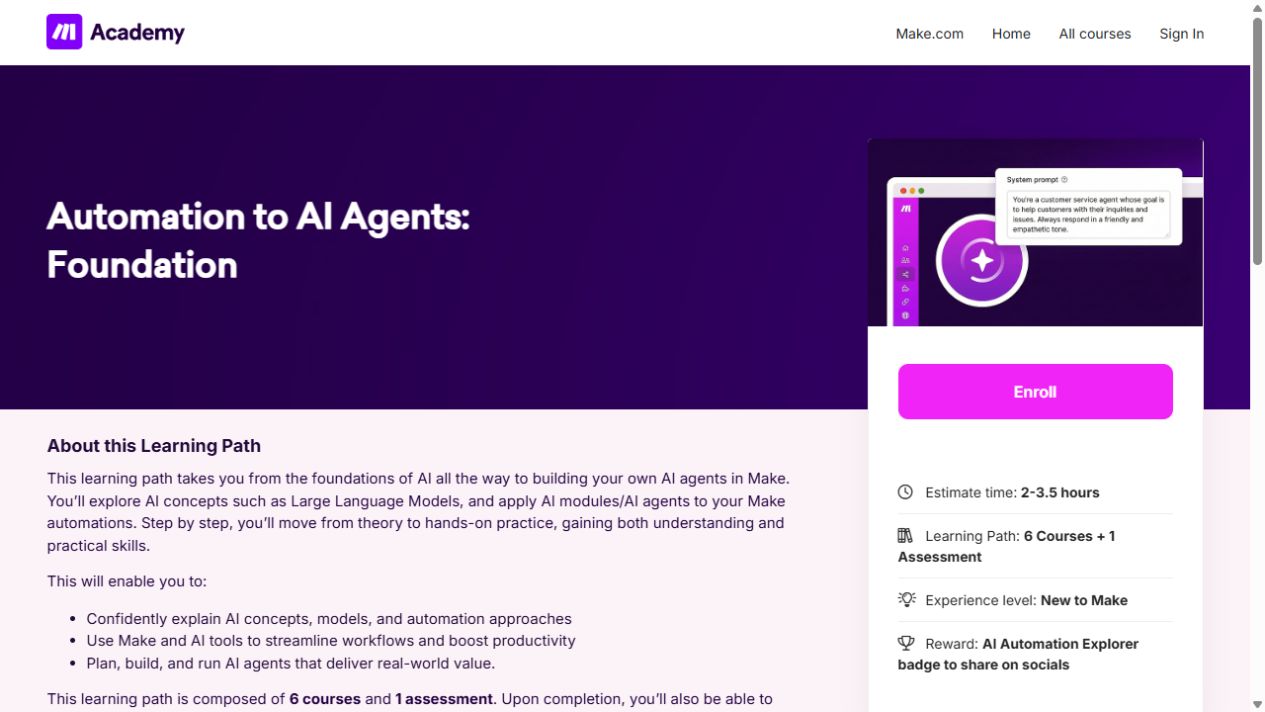
Automation to AI Agents: Foundation
Learn the building blocks of Make, then connect apps and add AI to a simple workflow.
AI Automation with n8n, Zapier & Make: Build Smart Workflows
Compare n8n, Zapier and Make, with more practice in Zapier triggers, data mapping and a form-to-AI-summary workflow for Slack.

Getting Started with Generative AI and Workflow Automation
Get familiar with business AI limits and structured prompts and reusable versioned prompt libraries.
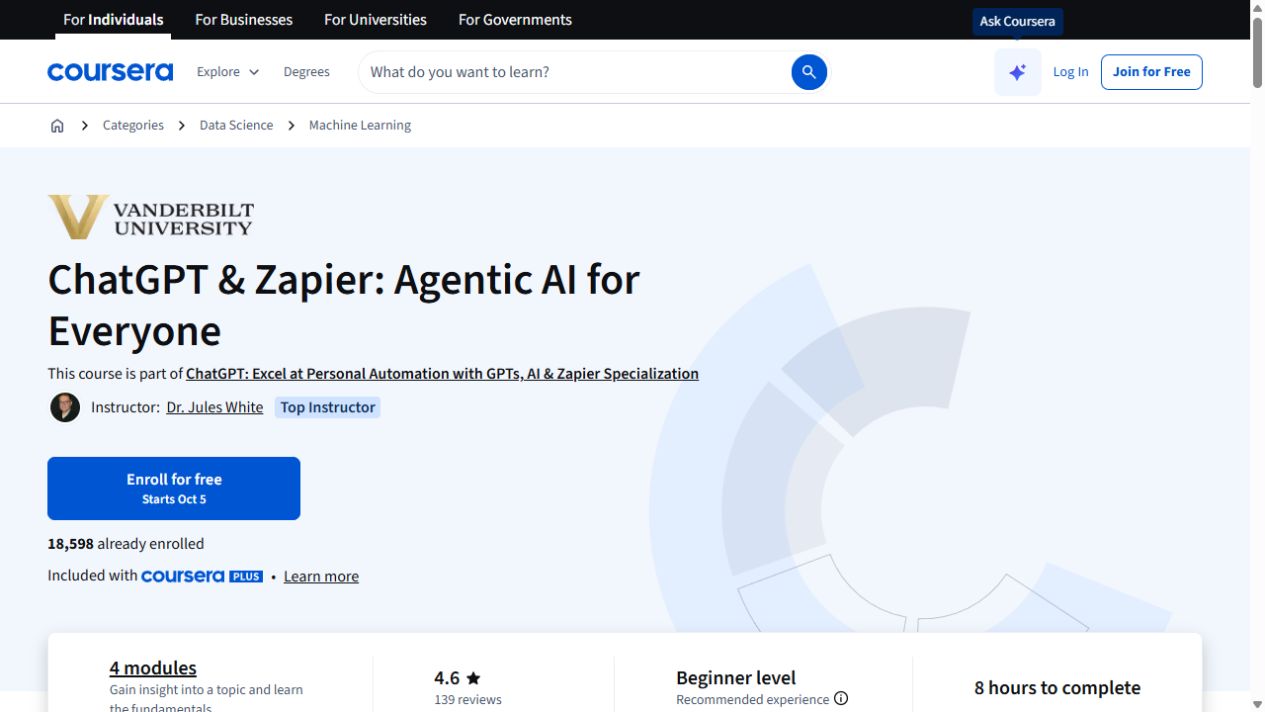
ChatGPT & Zapier: Agentic AI for Everyone
Get familiar with AI agents, custom GPTs and the Zapier actions that connect them to other tools.
Try this before you choose
Draw a repeated task with its trigger, input, draft output, human approval and failure route. Compare that map with the course's actual build, then test it harmlessly and check account and API costs.
You might also find these helpful
AI course certificates and badges explained
Check who issues the award and what you have to do to earn it. If an employer or professional body needs to recognize it, ask them about that exact credential.
Find your starting pointFree AI courses for office work
Free lessons, a free account and the ability to run every exercise are three different things. Copilot, Cowork, Dataverse, automation services and organization…
Find your starting pointAI training for executive assistants
If you support a leader, a team or clients, start with the work you handle each week: inbox, calendar, meetings, travel, research, documents and confidential…
Find your starting point