Office workflowsEdureka
Building AI Agents and Autonomous Workflow Systems
Learn to build agents with n8n and Flowise, including memory, retrieval, coordination, evaluation and human review.
Explore courseAvailable
Find a better way to work with emails, documents, spreadsheets and the tasks that keep coming back.
Courses are listed A–Z. Use the filters to find something that fits your work and the tools you already have.
Learn to build agents with n8n and Flowise, including memory, retrieval, coordination, evaluation and human review.
Learn n8n from agent concepts through workflows, credentials, data handling and email automation, with eight assignments.
This course focuses on shared team context and agent roles and team norms, gradual responsibility and information access.
Compare ChatGPT, Copilot, Claude and Perplexity for business drafting, reporting, Microsoft 365 tasks, document work and research.
Use AI prompts to analyze business data, build dashboards and report on sales, customers and executive-review projects.
Use Excel’s built-in AI features and ChatGPT formulas to clean, analyze and chart data, then explore Power Query and VBA assistance.
Choose AI tools and write structured prompts for office writing, documents and presentations, then build a personal prompt library.
In this live session, practise prompts for office tasks and review drafts of email, documents, Excel tables and summaries using your own cases.
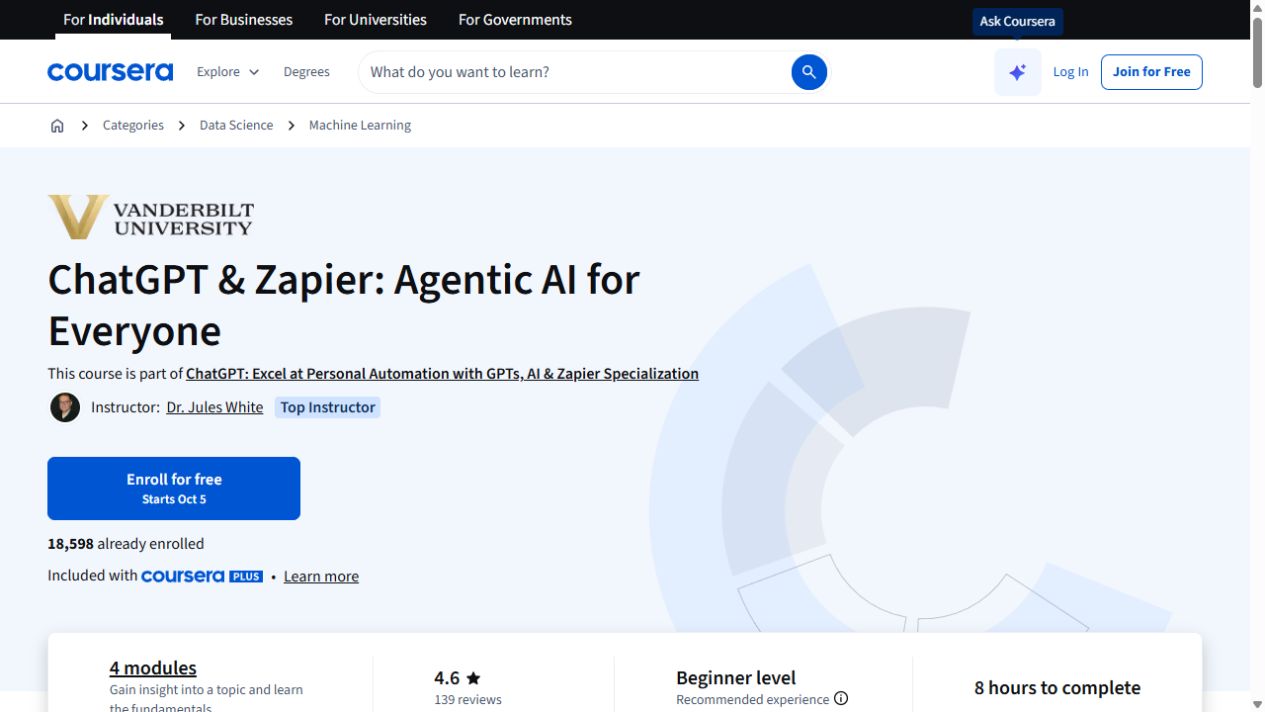
Get familiar with AI agents, custom GPTs and the Zapier actions that connect them to other tools.
Use ChatGPT prompts for workplace emails, meeting summaries and action items, then turn rough notes into reports.
Compare three ChatGPT and Excel courses on data exploration, formulas, visualizations and presentation work.
Use Zapier triggers to triage email and draft replies from instructions stored in a document.
Use generative AI to pull scattered details from project, meeting and travel emails into structured summaries, schedules and action lists.
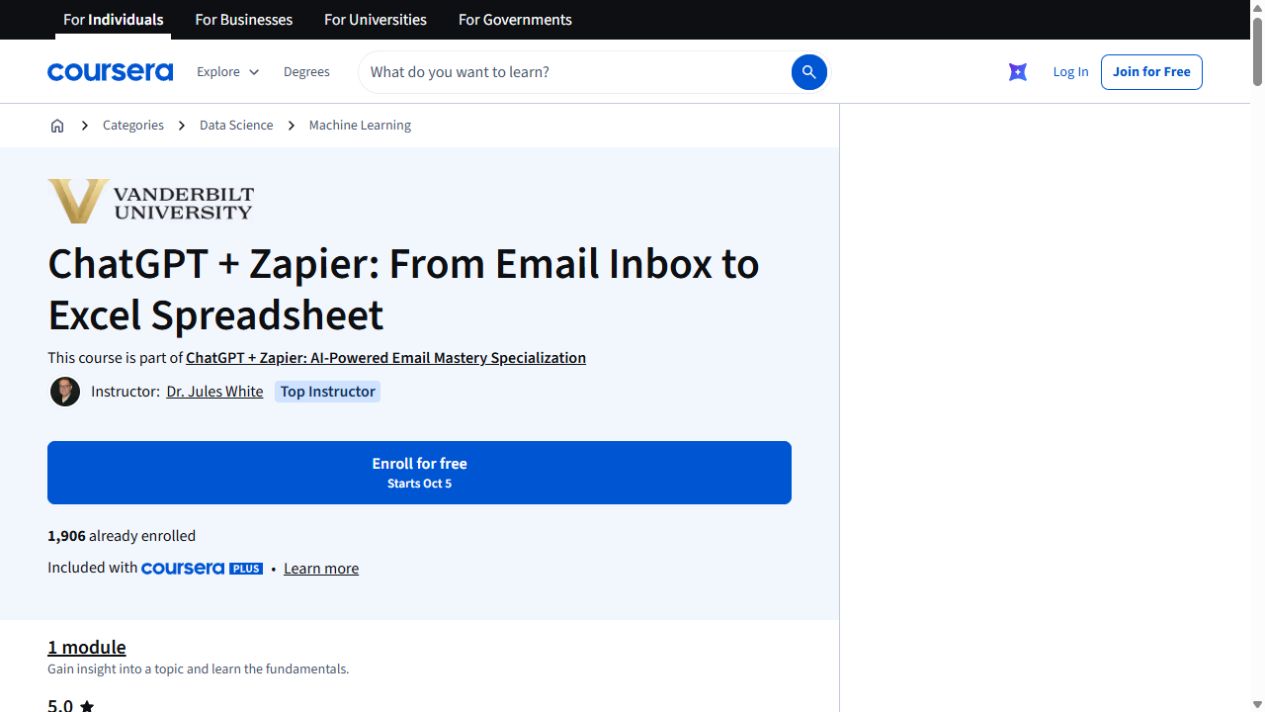
Turn details from incoming emails into a spreadsheet with ChatGPT and Zapier. The exercise uses Google Sheets and includes a JavaScript-processing step.
In this session, explore iterative workplace prompts and management-report drafts and email and document summaries.
Use ChatGPT with Excel to standardize dates, clean categories, extract URL text and create spreadsheet outputs in one guided project.
Explore ChatGPT for everyday office work, including email drafts, follow-ups, slides, summaries, translation and Excel analysis.
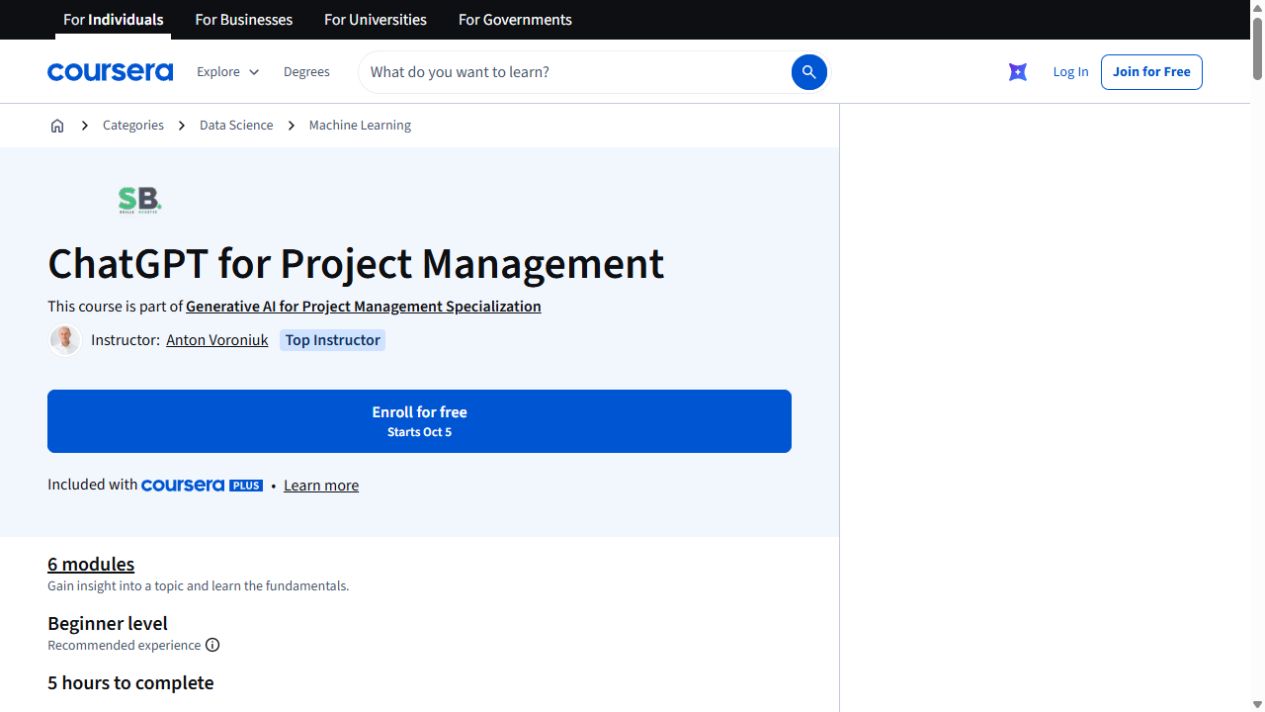
Use ChatGPT across a project: plan the work, think through risks, prepare stakeholder updates and build reusable GPT tools. This self-paced course takes about five hours.
Use ChatGPT to organize project information and support planning decisions.
Use ChatGPT to draft emails and documents, create meeting agendas and summaries, and plan tasks and workflows.
No courses match those filters. Try a broader task or clear the filters.