Office workflowsLinkedIn Learning
AI in Project Management
Use AI to scope a project, map stakeholders and tasks, then estimate time, cost and people needs while considering risk.
Explore courseAvailable
Find a better way to work with emails, documents, spreadsheets and the tasks that keep coming back.
Courses are listed A–Z. Use the filters to find something that fits your work and the tools you already have.
Use AI to scope a project, map stakeholders and tasks, then estimate time, cost and people needs while considering risk.
See short demonstrations of AI for email, meetings, documents, research and presentations, plus guidance on choosing office tools.
Create and review PowerPoint slides with Copilot, including text revision, AI imagery and templates.
Explore Copilot chat, files and voice, then summarize PDFs and Word documents, use Pages and work with web content in Edge.
Use ChatGPT and Claude to analyze files, research topics and check outputs, then organize work with memory, projects and cloud-drive connections.
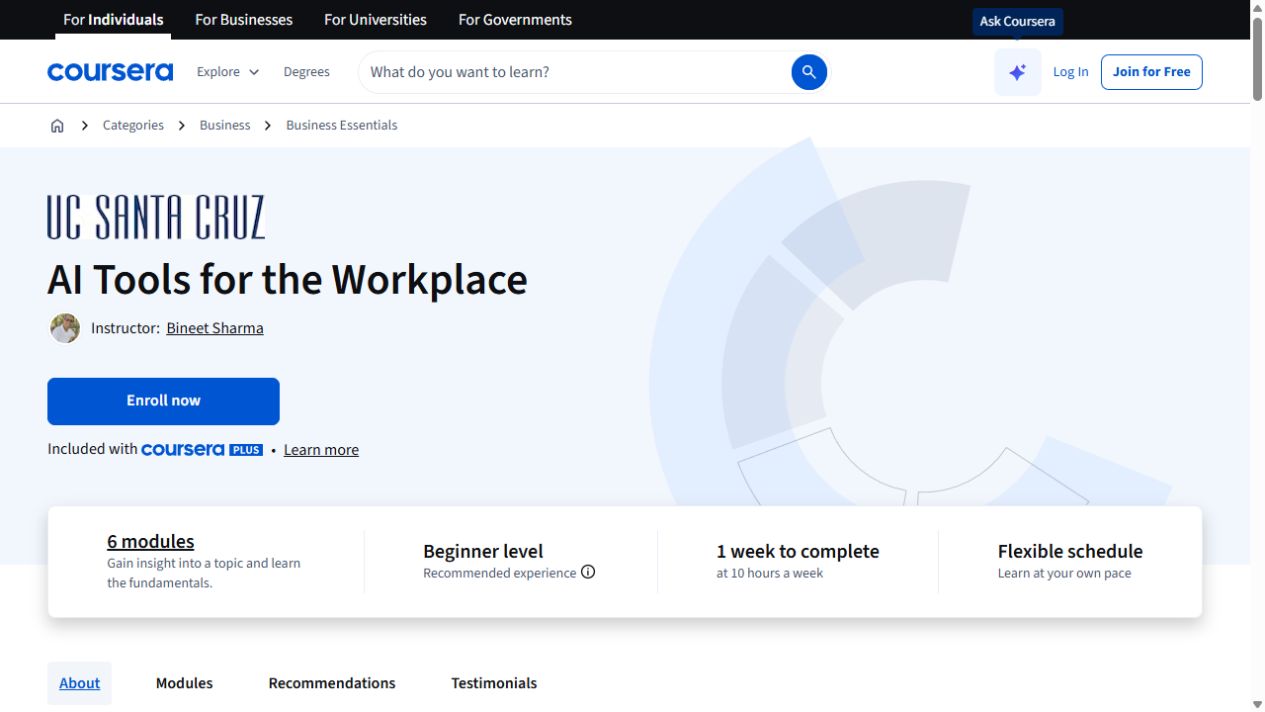
Get comfortable with workplace AI, clearer prompts and everyday communication tasks.
Use generative AI with Agile to create backlogs, user stories, definitions of ready and done, and acceptance tests in Jira.
Use Copilot to clean data, explore it in natural language and create visual dashboards for business decisions.
Build Word, PowerPoint and Excel foundations, then use AI for writing, research and content revision.
Create and revise PowerPoint decks with Copilot, while learning to assess presentation content.
Design conditional AI workflows, connect them to a process and validate the finished automation.
Map enterprise processes, plan integrations and set controls for risks such as prompt injection, with human oversight.
Build cloud flows with Dataverse actions, approvals and grounded AI Builder prompts.
Create a realistic monthly operations dataset in Excel Online, then use Copilot prompts to clean, format and structure it.
Build Excel dashboards from marketing data, combine sources and review report quality before preparing a weekly update.
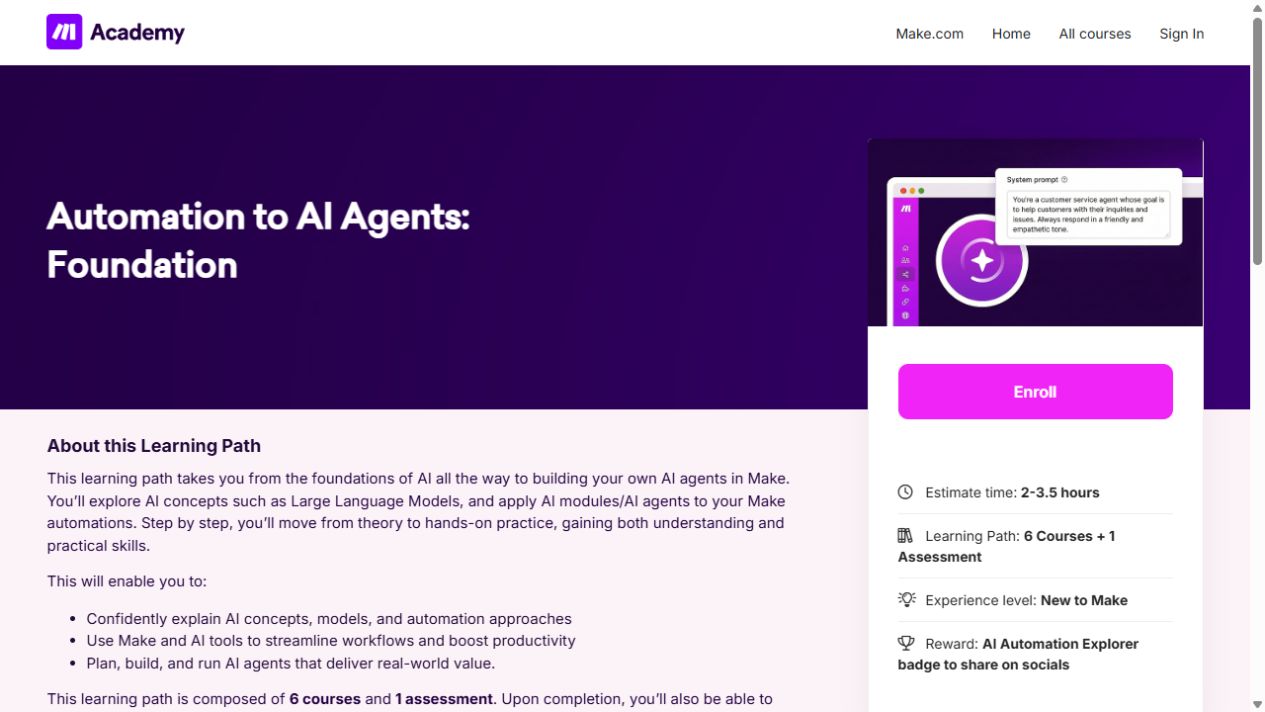
Learn the building blocks of Make, then connect apps and add AI to a simple workflow.
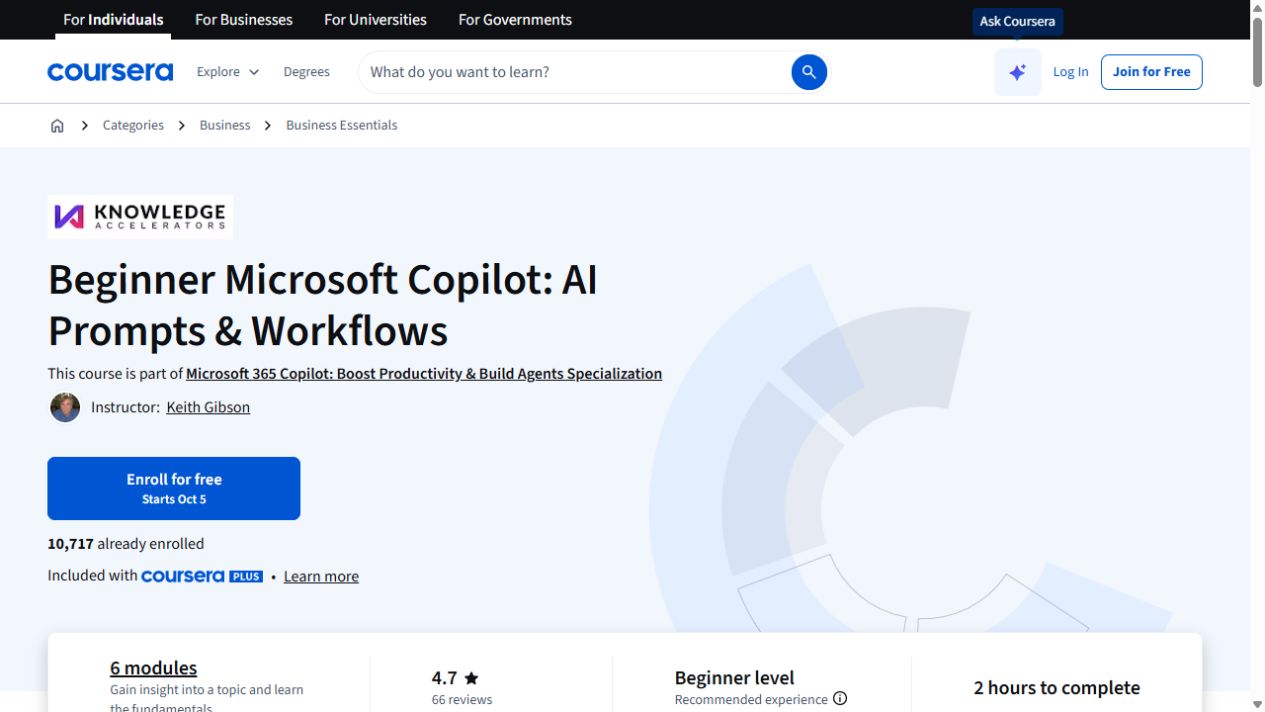
Start with Copilot prompts and familiar office workflows, then build up from there.
Draft Gmail templates and analyze spreadsheets while keeping data safeguards and external communication in view.
Use Deep Research for design trends, housing data and technical questions, then try turning findings into an app.
Create a funder-research prompt and a Custom GPT with proposal knowledge files, then check drafts for citations, confidentiality and funder criteria.
No courses match those filters. Try a broader task or clear the filters.