What you’ll learn
- Grounded Copilot Chat and organizational data controls
- Word documents and PowerPoint presentations
- Teams meeting records and Excel insights
- Outlook triage, replies and meeting administration
What does the learning look like?
- Seven modules
- The optional Outlook exercise takes a learner through triage, summary, draft, coaching and meeting conversion.
A better first draft
- 01Start with
A brief or an existing document
- 02Make a first pass
A draft, summary or revision
- 03Make it yours
Check the facts and tone
Use a fictional example to practise the workflow.
Cost, access and setup
Course cost
- The course is free.
- Software for the exercises may need a paid plan. Check the account requirements before you start.
What you’ll need
- Basic Microsoft 365 experience is requested.
- The Outlook exercise needs a work/school account with Copilot in Outlook
- Feature eligibility must be checked per app.
How you’ll learn
- Seven modules
- Public self-paced written lessons
- Sign-in can save progress.
Certificate
- A course badge/learning achievement is listed
Keep exploring
AI courses for meeting notes and follow-ups
Good minutes capture decisions, owners, dates, open questions and follow-up. A shorter transcript is only one part of that job. Think about where your meetings…
Find your starting pointLearn Copilot for Teams and Outlook
If your team works in Microsoft 365, compare how much Teams and Outlook practice you need. Some courses begin with app basics. Others assume you know Microsoft…
Find your starting pointFind a Microsoft 365 Copilot course
Microsoft 365 Copilot courses can cover several apps at once or spend more time on one workflow. A cross-app tour may be useful for an overview. A focused…
Find your starting pointFree AI courses for office work
Free lessons, a free account and the ability to run every exercise are three different things. Copilot, Cowork, Dataverse, automation services and organization…
Find your starting pointAI course certificates and badges explained
Check who issues the award and what you have to do to earn it. If an employer or professional body needs to recognize it, ask them about that exact credential.
Find your starting pointOne focused course or a learning bundle?
A bundle may cover several apps and help you build skills in order, while a focused course may be enough for the task you need next. Compare the actual lessons…
Find your starting pointFrom email to schedules and follow-ups
Email often mixes confirmed dates, suggestions and changes. A proposed date is not a booking, and an itinerary summary is not the same as creating a calendar…
Find your starting pointGenerative AI for Advanced Collaboration in Teams and Outlook
Handle Outlook email and Teams meeting workflows with Copilot, then complete an applied collaboration project.
AI Fluency: Framework and foundations
Choose tasks to delegate, describe the output you want and review AI responses through iteration.
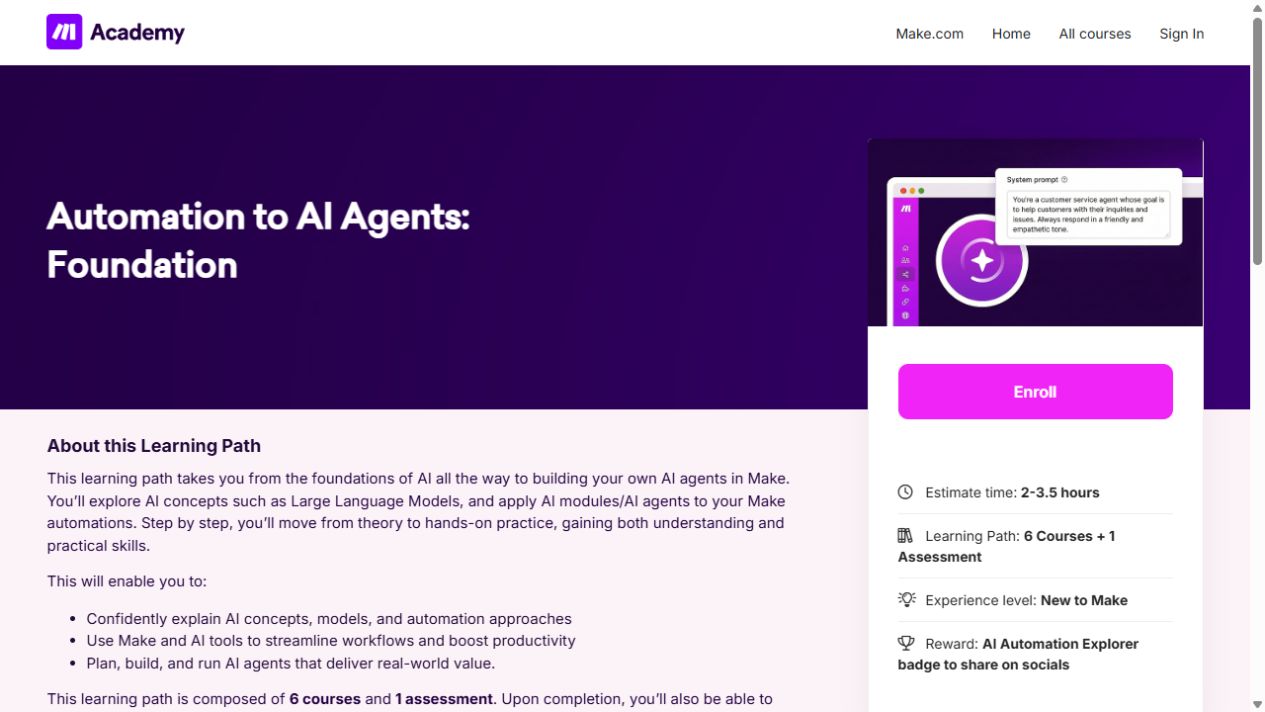
Automation to AI Agents: Foundation
Learn the building blocks of Make, then connect apps and add AI to a simple workflow.