What you’ll learn
- Five-course sequence, with listed 2/4/3/2/4-hour course estimates: beginner prompts/workflows
- Copilot across Word/Excel/Teams/Outlook/PowerPoint/OneNote
- Office automation in Forms/OneDrive/SharePoint
- Team collaboration
- Build and use agents
- Project examples include prompts and content creation, data/document/email/presentation work, Forms and file workflows, Planner/Whiteboard/Loop meeting collaboration and custom-agent construction
What does the learning look like?
- Page claims hands-on projects in every course and interactive exercises.
- Two component stable IDs are in this batch: course 2 (program:platform-d268f61768f373) and course 3 (program:platform-f55c345de4c8be).
- Project examples for other components are bundle-level descriptions
Example to try
Put AI to work on a familiar task
- 01Start with
A sample document or office task
- 02Make a first pass
A useful first draft
- 03Make it yours
Check the result before sharing
Use a fictional example to practise the workflow.
Cost, access and setup
What you’ll need
- Check that your Microsoft 365 account includes the Copilot features used in the hands-on projects.
How you’ll learn
- Recommended pace: 8 weeks at 2 hours/week (16 hours).
- Listed component estimates sum to about 15 hours
- No material discrepancy beyond rounding.
- Self-paced Coursera specialization with five course components.
Certificate
- Career/shareable certificate from Knowledge Accelerators listed
Help along the way
- Projects are listed in every course
Instructor
- Knowledge Accelerators is listed publisher
Course cost
Check the course page for current pricing.
Keep exploring
One focused course or a learning bundle?
A bundle may cover several apps and help you build skills in order, while a focused course may be enough for the task you need next. Compare the actual lessons…
Find your starting pointOffice workflowsKnowledge Accelerators
Microsoft 365 Copilot AI: Office Automation & Workflows
Use Microsoft 365 Copilot with Forms, documents, proposals, Outlook, Excel, OneDrive and SharePoint across five modules.
Explore courseAvailable
Office workflowsVanderbilt University
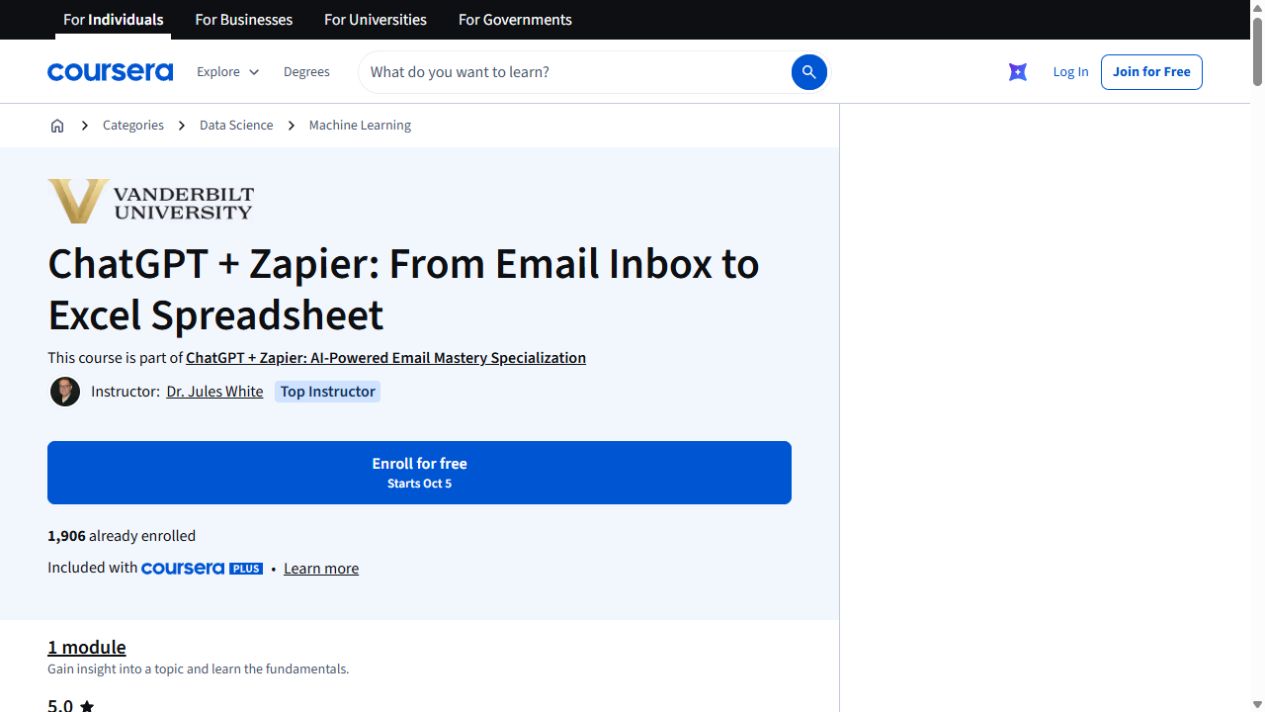
ChatGPT + Zapier: From Email Inbox to Excel Spreadsheet
Turn details from incoming emails into a spreadsheet with ChatGPT and Zapier. The exercise uses Google Sheets and includes a JavaScript-processing step.
Explore courseAvailable
Office workflowsMicrosoft
Draft, analyze, and present with Microsoft Copilot
Learn how Copilot Chat uses organizational data, then create Word documents and PowerPoint presentations.
Explore courseAvailable